Complete Guide to Image Alt Text for E-commerce
Master image alt text for your Shopify store. Learn how to write alt text that improves SEO, accessibility, and conversions with real examples.
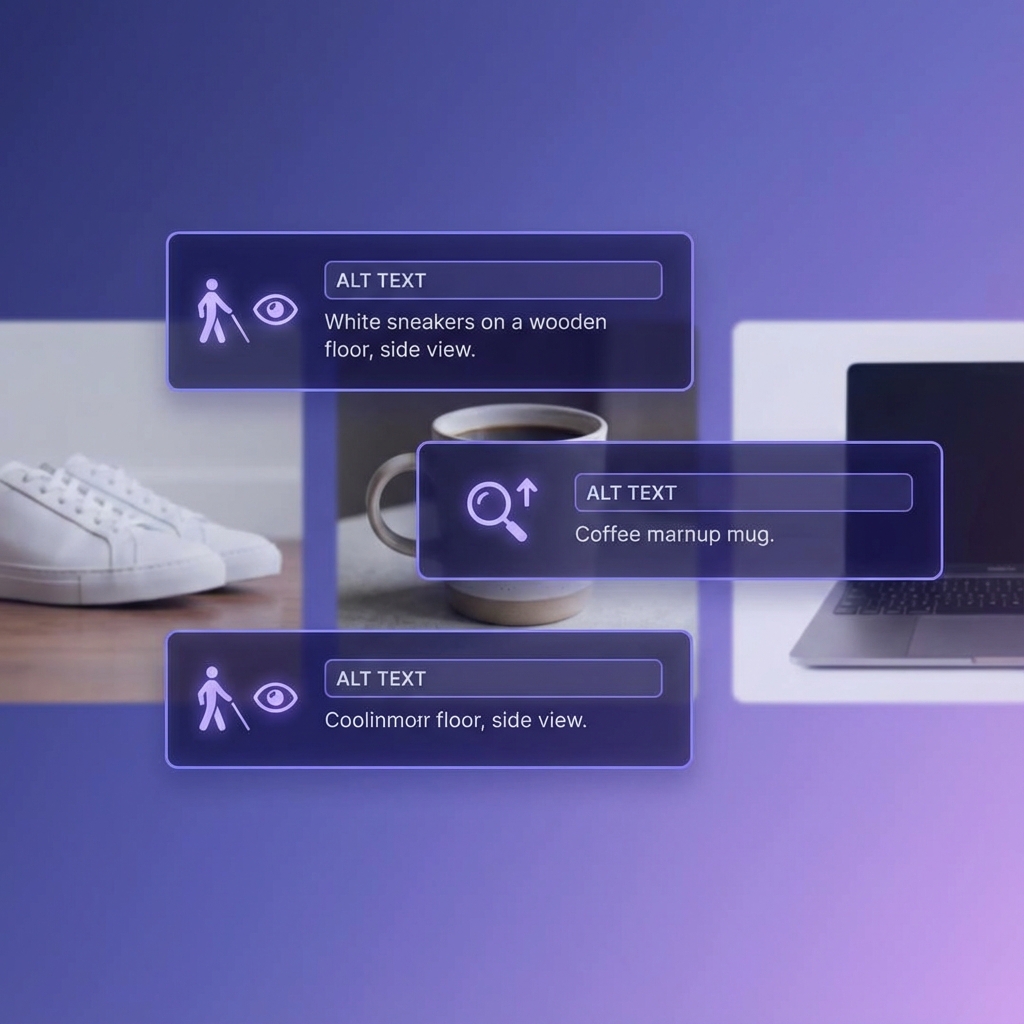
Every image on your Shopify store is an SEO opportunity. Alt text (alternative text) is the hidden description that tells search engines and visually impaired users what an image shows. Most merchants either skip it entirely or write useless descriptions like “image1.jpg.”
This comprehensive guide shows you exactly how to write alt text that improves your rankings, accessibility, and ultimately, your sales.
What Is Alt Text and Why Does It Matter?
Alt text is an HTML attribute that provides a text alternative for images. It appears in three scenarios:
- When images fail to load: The alt text displays instead
- When screen readers encounter images: Visually impaired users hear the description
- When search engines crawl your site: Google uses alt text to understand image content
For e-commerce, alt text serves a fourth critical function: image search traffic. Google Images drives significant traffic for product-based searches.
The SEO Value of Image Alt Text
Google can’t “see” images the way humans do. While AI has improved, alt text remains the primary way Google understands what an image shows.
Real impact examples:
- Product images ranking in Google Images → Direct traffic to product pages
- Well-optimized alt text → Better page relevance signals
- Descriptive images → Enhanced featured snippets with images
According to various studies, image search accounts for 20-30% of all Google searches. That’s traffic most Shopify stores completely ignore.
How to Write Perfect Alt Text: The Formula
The ideal alt text follows this structure:
[Product Type] + [Key Features] + [Brand if relevant] + [Context]Good Alt Text Examples
| Image | Poor Alt Text | Good Alt Text |
|---|---|---|
| Product shot of red sneakers | ”shoes" | "Nike Air Max 90 running shoes in cherry red, side view” |
| Model wearing dress | ”dress.jpg" | "Woman wearing emerald green silk midi dress at outdoor wedding” |
| Coffee maker on counter | ”product" | "Breville Barista Express espresso machine brewing coffee on marble countertop” |
| Jewelry close-up | ”ring" | "18k yellow gold engagement ring with 1-carat round diamond, white background” |
The 125-Character Sweet Spot
Screen readers typically cut off alt text around 125 characters. Keep descriptions concise but complete:
- Too short: “Shoes” (7 characters) - Misses opportunity
- Too long: 200+ character description - Gets truncated
- Just right: 60-125 characters - Complete and accessible
Alt Text for Different Image Types
Product Images (Main)
Focus on: What the product is, key identifying features, and brand.
"Patagonia Better Sweater fleece jacket in navy blue, full zip front view"Product Images (Variants)
Include the specific variant to avoid duplicate alt text:
"Patagonia Better Sweater fleece jacket in forest green, size medium"
"Patagonia Better Sweater fleece jacket in black, back view showing logo"
Lifestyle/Context Images
Describe the scene and how the product is used:
"Couple hiking mountain trail wearing Patagonia fleece jackets in autumn"Detail/Close-up Images
Highlight the specific feature being shown:
"Close-up of YKK zipper and brushed fleece interior on Patagonia jacket"Size/Scale Images
Include measurements or comparison objects:
"Leather laptop bag dimensions showing 15-inch MacBook Pro inside main compartment"Common Alt Text Mistakes to Avoid
Mistake 1: Leaving Alt Text Empty
The most common error. Every image should have alt text - no exceptions for product images.
Shopify default behavior: If you don’t add alt text, Shopify often uses the product title. This is better than nothing but not optimized.
Mistake 2: Keyword Stuffing
Bad: “leather wallet mens wallet brown wallet gift wallet RFID wallet best wallet cheap wallet”
Good: “Brown leather bifold wallet with RFID blocking, open view showing card slots”
Keyword stuffing in alt text can trigger spam penalties and provides a terrible experience for screen reader users.
Mistake 3: Starting with “Image of” or “Picture of”
Screen readers already announce “image” before reading alt text. Adding it is redundant.
Bad: “Image of a coffee mug” Good: “White ceramic coffee mug with StoreAuditor logo”
Mistake 4: Using File Names
Bad: “IMG_4532.jpg” or “product-image-1” Good: Actual descriptive text
Always write proper alt text, regardless of what the file is named.
Mistake 5: Identical Alt Text for All Images
If you have 50 products with alt text “Blue shirt,” you’ve created duplicate content and missed 49 opportunities to rank for different variations.
Mistake 6: Ignoring Context
A product image on a category page might need different alt text than on the product page, depending on context.
Alt Text for Accessibility: Beyond SEO
Approximately 2.2 billion people globally have vision impairment. Alt text isn’t just about SEO - it’s about making your store usable for everyone.
Accessibility best practices:
- Be specific: “Golden retriever puppy” not just “dog”
- Convey meaning: What’s important about this image in context?
- Skip decorative images: Use empty alt (
alt="") for purely decorative images - Don’t repeat adjacent text: If a caption says the same thing, keep alt text complementary
Screen Reader Experience
When a screen reader encounters an image, it announces:
“Image: [your alt text here]”
Imagine hearing that 50 times while browsing a store. Write alt text that’s helpful, not annoying.
Bulk Alt Text Strategies for Large Catalogs
Managing alt text for thousands of products requires a systematic approach.
Strategy 1: Create Templates by Product Type
Develop formulas for each product category:
Apparel template:
[Brand] [Product Name] in [Color], [View Type] view, [Material] fabricElectronics template:
[Brand] [Model] [Product Type], [Key Spec], [Color/Finish]Jewelry template:
[Metal Type] [Product Type] with [Stone/Design Details], [View]Strategy 2: Use Spreadsheet Concatenation
Export products to CSV, use formulas to generate alt text, re-import:
=CONCATENATE(A2," ",B2," in ",C2,", ",D2," view")This turns:
| Brand | Product | Color | View |
|---|---|---|---|
| Nike | Running Shoes | Blue | Side |
Into: “Nike Running Shoes in Blue, Side view”
Strategy 3: AI-Assisted Generation
Tools like StoreAuditor can analyze your product images and generate optimized alt text suggestions. The AI considers:
- Product title and description context
- Image visual content (when available)
- SEO keyword opportunities
- Character length optimization
Strategy 4: Prioritize High-Traffic Products
Don’t try to fix everything at once. Start with:
- Products that already get image search traffic
- Bestsellers and high-margin items
- Products on page 1-2 of search results
- New product launches
How to Add Alt Text in Shopify
For Product Images
- Go to Products → Select product
- Click on any image in the media section
- Click Add alt text in the preview panel
- Enter your optimized description
- Click Save
For Collection Images
- Go to Products → Collections
- Select the collection
- Click the collection image
- Add alt text in the image settings
For Theme Images (Logo, Banners, etc.)
- Go to Online Store → Themes
- Click Customize
- Select the section with the image
- Look for the “Image alt text” field
For Blog Post Images
- Go to Online Store → Blog posts
- Edit the post
- Click on the image
- Add alt text in the image settings
Measuring Alt Text Performance
Track these metrics to see if your alt text optimization is working:
Google Search Console - Image Search
- Go to Performance → Search results
- Filter by Search type → Image
- Monitor impressions, clicks, and CTR for image searches
Shopify Analytics - Traffic Sources
Look for increases in traffic from Google Images after optimization.
Accessibility Audit Tools
Use tools like WAVE or axe to audit your site’s accessibility score before and after.
Alt Text Audit Checklist
Before publishing any product, verify:
- Main product image has descriptive alt text
- All variant images have unique alt text
- Alt text includes key product identifiers
- No alt text starts with “Image of” or “Picture of”
- Alt text is under 125 characters
- No keyword stuffing
- Decorative images have empty alt text
- Alt text matches image content (accuracy check)
Quick Reference: Alt Text Do’s and Don’ts
| Do | Don’t |
|---|---|
| Be specific and descriptive | Use generic terms like “product” |
| Include brand and product type | Start with “Image of” |
| Mention colors, materials, sizes | Stuff keywords |
| Keep under 125 characters | Leave alt text empty |
| Use unique text per image | Copy-paste same text everywhere |
| Write for humans first | Write only for search engines |
| Include context when relevant | Describe every tiny detail |
Automate Your Alt Text Workflow
Manually writing alt text for every image is tedious. StoreAuditor helps by:
- Scanning your entire product catalog for missing alt text
- Scoring existing alt text for SEO effectiveness
- Suggesting AI-generated improvements
- Tracking alt text coverage across your store
The goal is to make every image work for both accessibility and SEO - without spending hours on manual data entry.
Key Takeaways
- Every product image needs alt text: No exceptions
- Use the formula: Product + Features + Brand + Context
- Stay under 125 characters: For screen reader compatibility
- Avoid keyword stuffing: Natural language wins
- Think accessibility first: SEO benefits follow
- Create templates: For efficient bulk optimization
- Measure results: Track image search traffic in Search Console
Your product images are already doing the work of showcasing your products. Alt text ensures they also work for SEO and accessibility. It’s one of the highest-ROI optimizations you can make.
Want to audit your store’s image alt text? Try StoreAuditor free and get a complete alt text coverage report for every product.